
MLO Studio
The FiveM interior builder we use. Draw the rooms, click the walls for doors and windows, press Export, and you get a working MLO with the collision and portals already checked.
Get MLO Studio Code: GLITCH
Ad: MLO Studio is made by AJTheDev, not Glitchworks. We earn a commission if you buy with our code.
See it from plan to game ↓Why we use it
Most MLOs don't fail because of the walls. They fail on the data you never see: collision that thinks you're outside, portals facing the wrong way so the next room vanishes, doors hung backwards. MLO Studio builds the visible walls, the collision and the portals from the same geometry, then checks its own export before it hands you a resource. That's the part that normally costs an evening of server restarts.
From plan to game
Scroll through one of our builds, from the first rooms drawn in MLO Studio to the finished station in game.
- 01 / 05
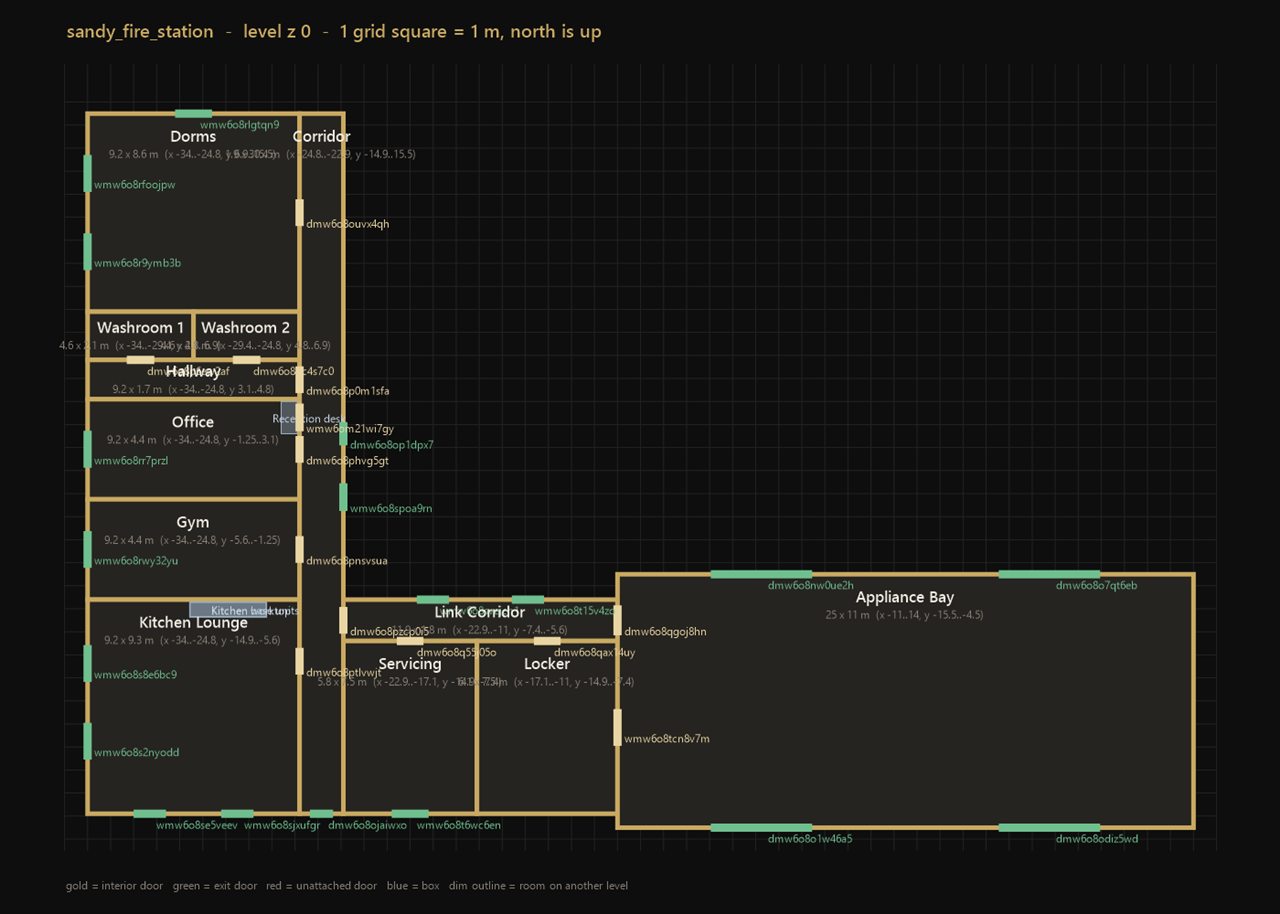
The plan
Rooms drawn on a 1 m grid, here our UK Fire Station. Gold marks inside doors, green marks exits to the outside.
- 02 / 05
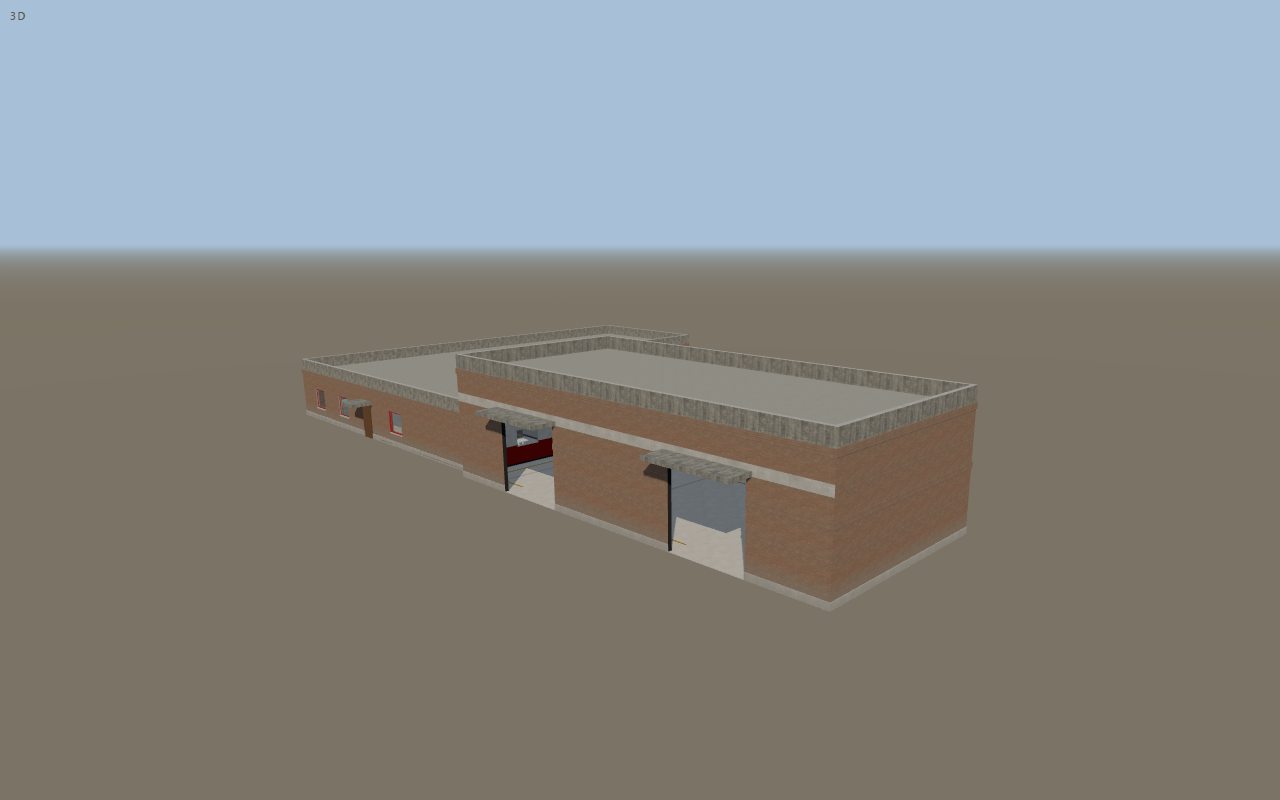
The 3D preview
Exactly what gets exported, bay doors and all. The visible walls, collision and portals all come from this same model.
- 03 / 05
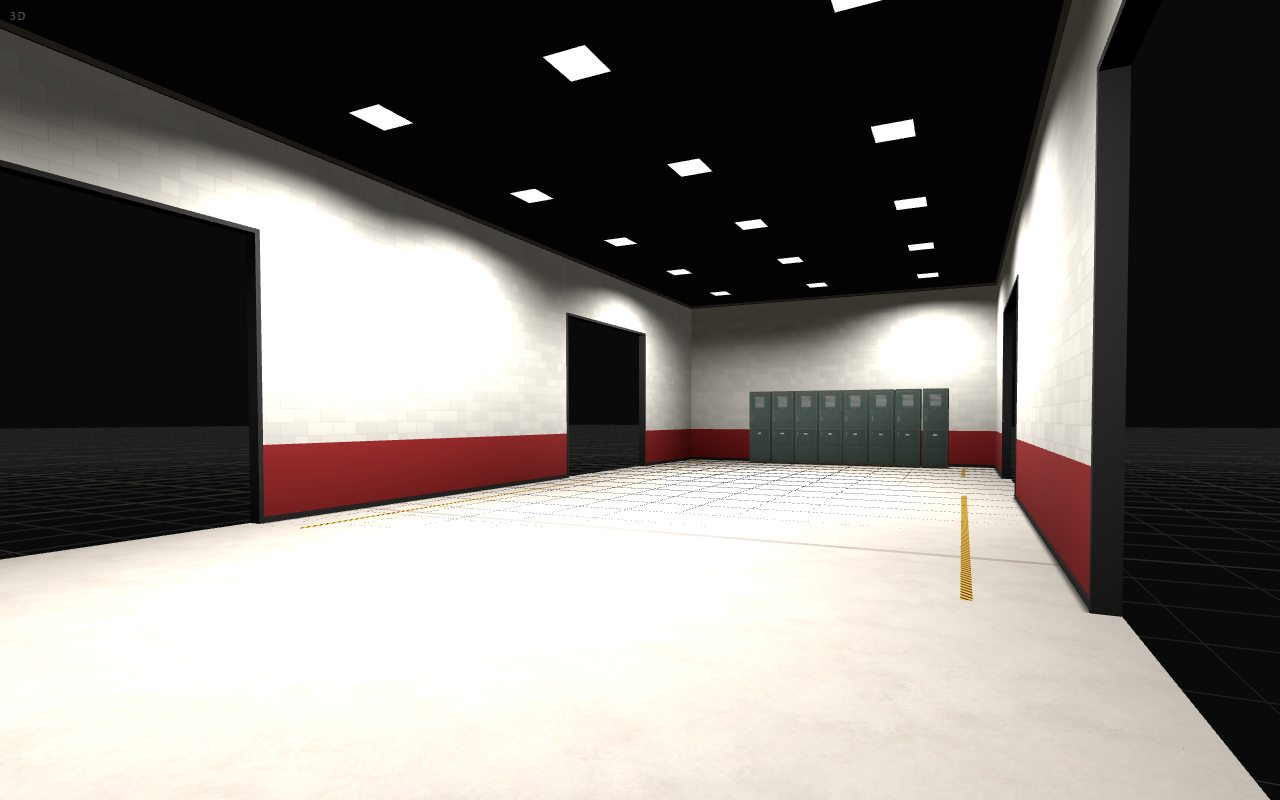
Walk round it
Step inside at eye height. This is the appliance bay, checked before it goes anywhere near a server.
- 04 / 05
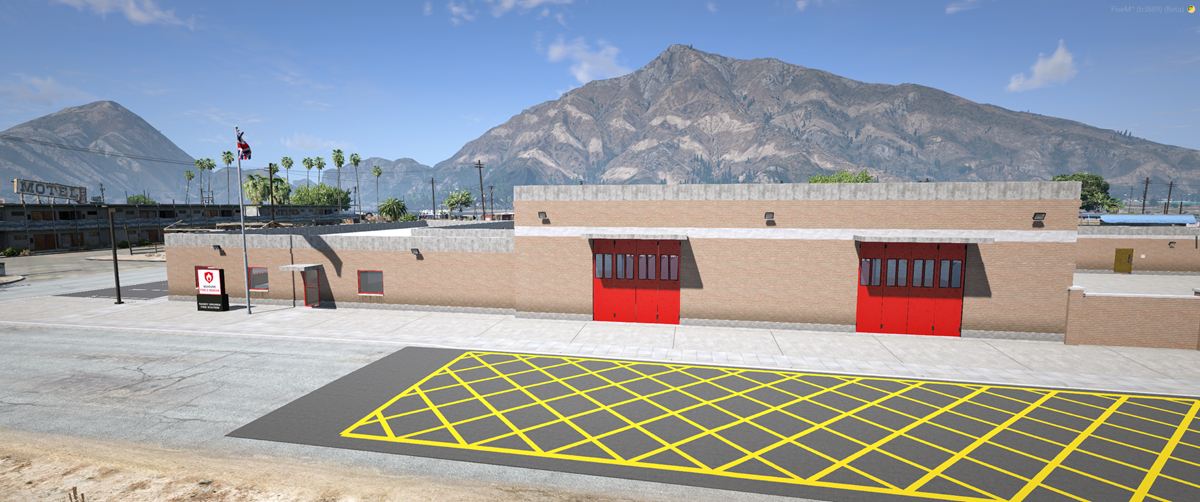
In game
The finished station on a live FiveM server, dressed with props and ready for roleplay.
- 05 / 05
Bigger builds too
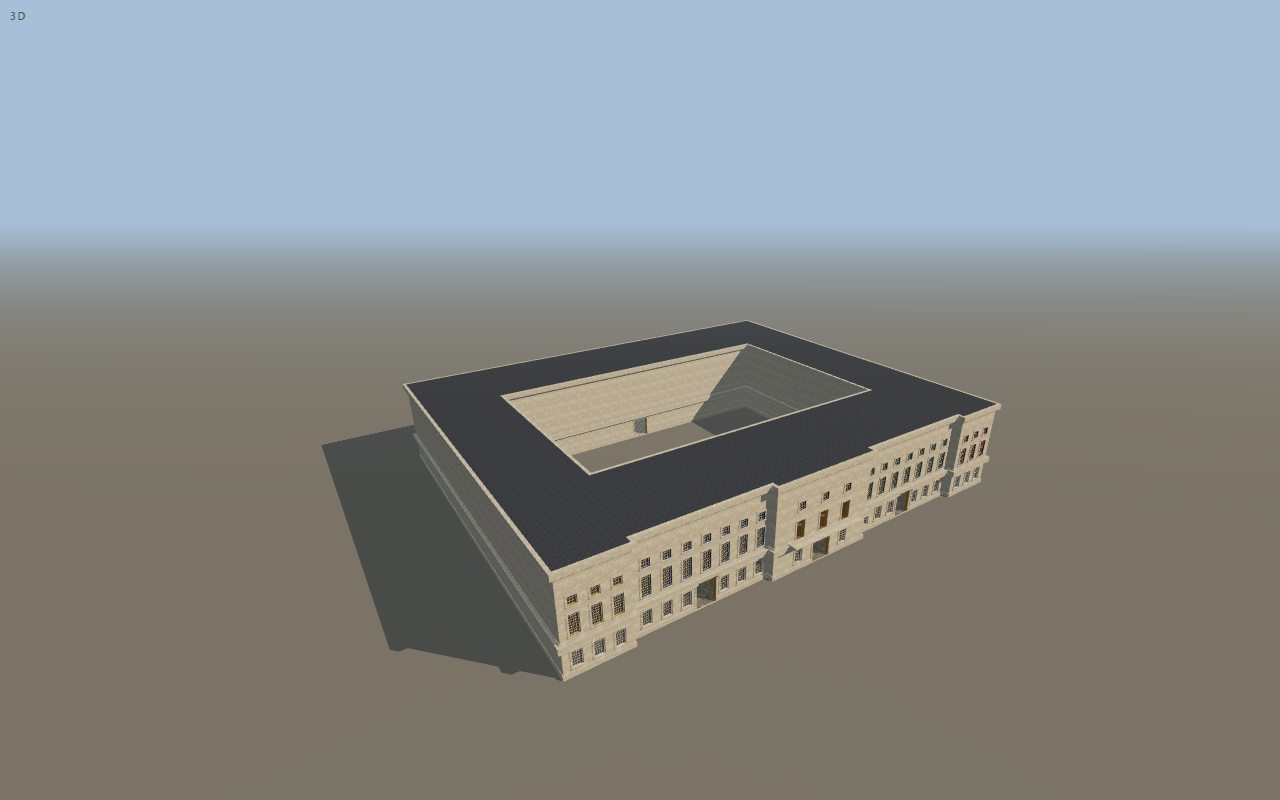
Our Buckingham Palace project, work in progress in MLO Studio: courtyard, state rooms and all.
How it works
Place it
Stand where the interior should go in game and paste your position. The build starts from that spot.
Draw the rooms
Drag out rooms on the plan. Rooms that touch share a wall automatically, and you can stack floors with stairs between them.
Add doors and windows
Click a wall to add a door or window. Inside walls become portals between rooms; outside walls become exits. You can hang the game's own doors.
Export
Seconds later you get a streamable FiveM resource that has already been checked for walkable floors, matching collision and correctly facing portals.
What it handles for you
- Collision tagged to the right room, so lighting and weather behave indoors
- Collision built from the same shapes you see, so there are no invisible walls or holes
- Portals facing the right way, so rooms don't disappear as you walk through
- Real game doors hung correctly in their frames
- One shared texture set, so interiors stay small and load quickly
- Tools for fitting your interior inside an existing building on the map
- Housing shells as well as walk-in MLOs
- Exports you can open in Blender if you want to finish them by hand
Good to know: it builds the shell, not the furniture. You add props afterwards, for example in CodeWalker. It needs Windows, and the free CodeWalker dev build.
Licences
Personal or Commercial
- Personal, £59.99: build MLOs and shells for your own servers.
- Commercial, £129.99: sell or share the original MLOs you make with it.
Prices are set by AJTheDev and may change; check the store for the current price. Anything you release still has to follow Rockstar Games and Cfx.re rules.
Ad: we earn a commission if you buy with our code.
See it from plan to game ↓Rather we built it for you?
We design custom MLOs around how your server plays, with a personal quote within 24 hours.